- 850,000+Active users
- 3.8M+Documents sent
- 1.2M+Documents received
- 40+ countriesInternational faxing
- 99.99% uptime24/7 monitored
Why real estate professionals still use fax
Real estate transactions often involve documents moving between agents, buyers, lenders, title companies and other parties involved in a closing. In some cases, the recipient still provides a fax number or asks for documents to be sent by fax.
That does not mean you need to keep a physical fax machine in the office.
Faxer lets professionals who still need fax for real estate workflows send documents from the devices they already use. Upload the file, enter the requested fax number and send it online without printing the document first.
This can be useful when a contract, disclosure or closing document needs to reach another party and fax is the requested delivery method.
Send documents without printing
Keep contracts, disclosures and closing documents digital instead of printing documents solely for faxing.
Check delivery status
See the status of each transmission so you know whether the fax was successfully delivered.
Access your fax history
Review previous transmissions and their status from your Faxer account.


Fax contracts, purchase agreements & closing documents
Real estate transactions can involve several documents at different stages of the process. Faxer gives you one online workflow for sending them when a lender, title company or other recipient asks for a fax.
Purchase agreements
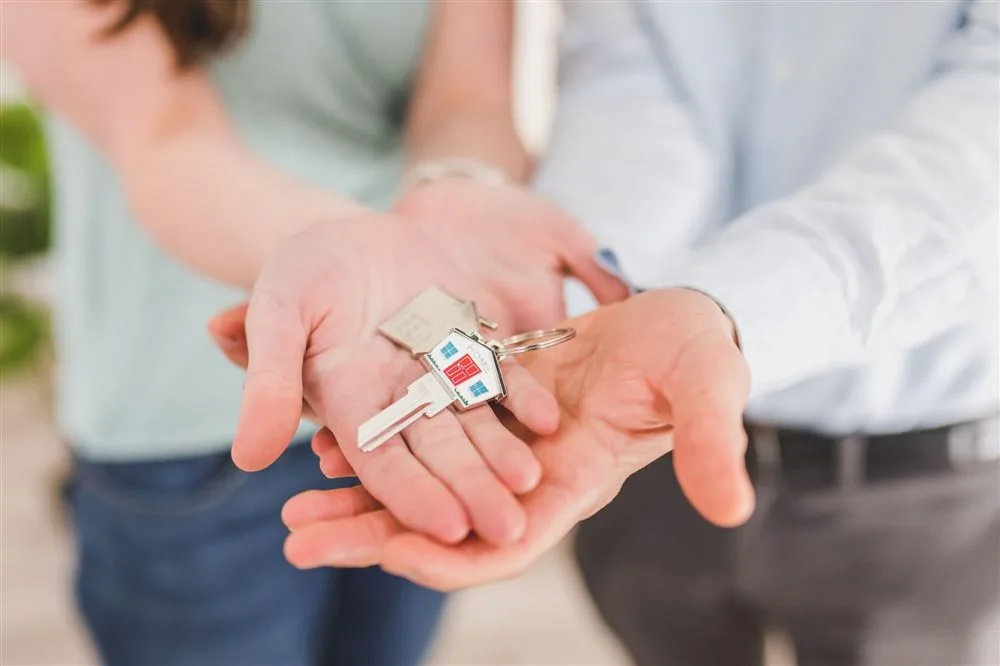
Send signed purchase agreements directly to the fax number provided by the recipient without printing them or using an office fax machine.
Disclosures
Fax completed property disclosures and other transaction paperwork when another party requests the documents by fax.

Mortgage documents
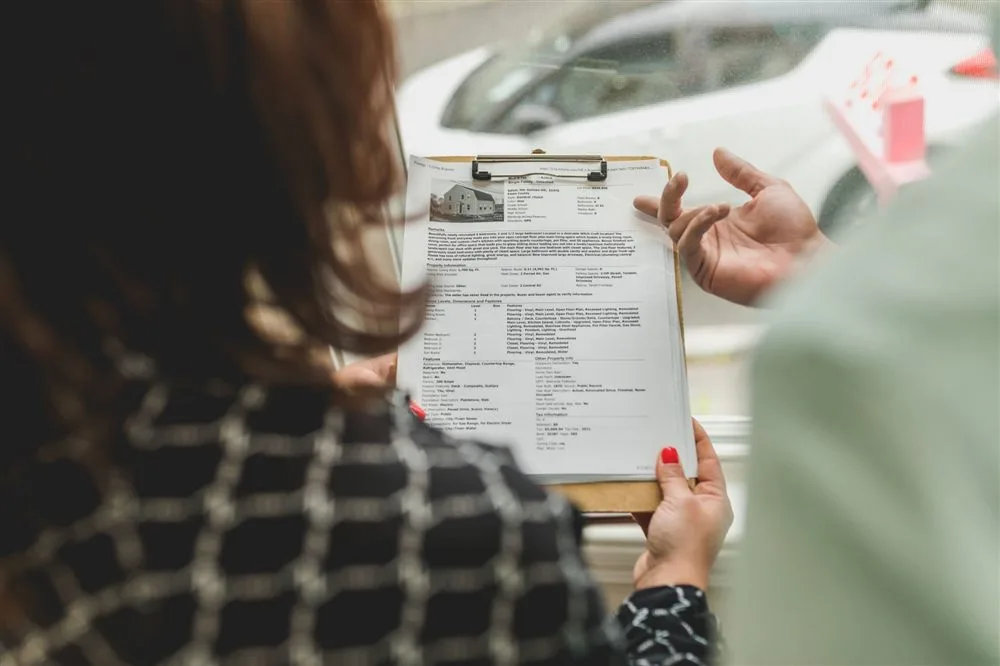
Send mortgage paperwork and supporting documents to lenders or other parties that provide a fax number for document submission.
Contracts
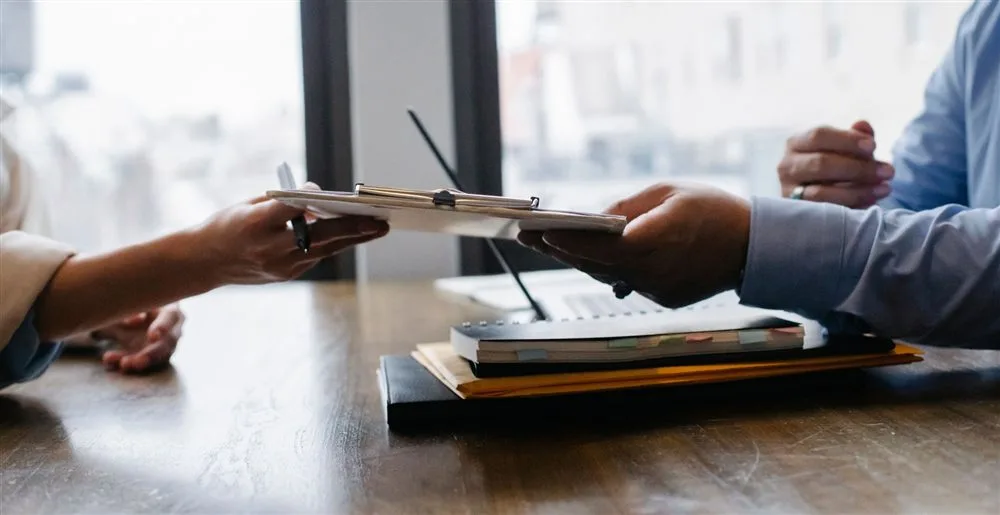
Send signed contracts and related transaction documents from the digital files already stored on your computer or phone.
Closing documents
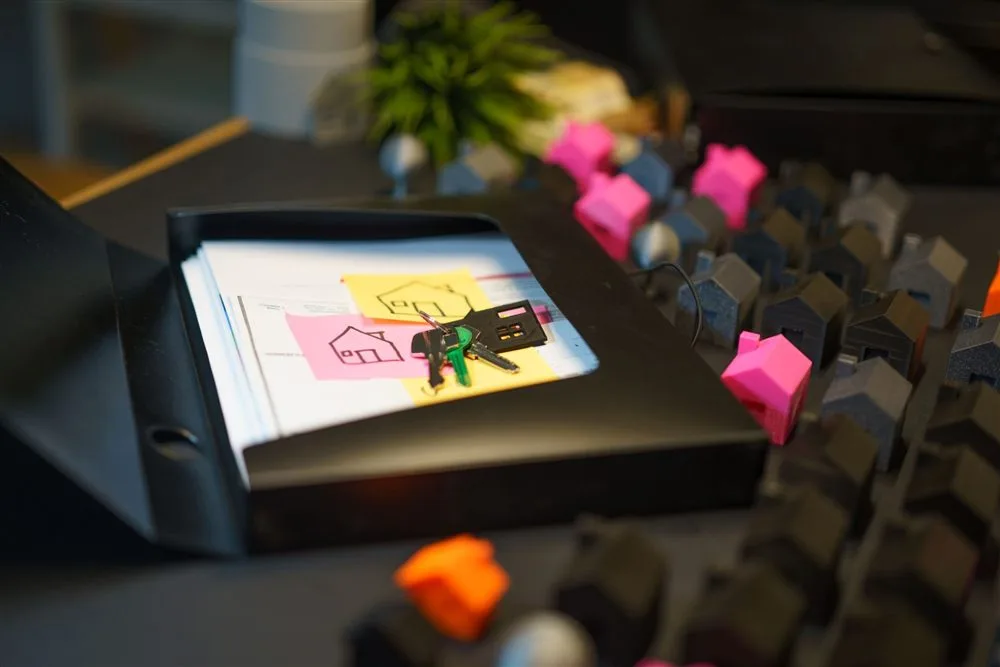
Fax closing paperwork when documents need to reach another party involved in the transaction.
Send real estate documents securely
Real estate documents can contain personal, financial and transaction information. Keeping the process digital means you do not have to print a document simply to walk it over to a shared fax machine.
With Faxer, you can upload the file directly from your device and send it to the fax number supplied by the recipient.
Before sending sensitive documents, check that you have selected the correct file and verify the recipient’s fax number. If you are sending documents on behalf of a business or client, follow the privacy and document-handling requirements that apply to your organization.

How to send a real estate fax
Sending a real estate fax with Faxer takes three steps.
Upload your document
Upload the purchase agreement, disclosure, contract or other file you already have on your phone or computer.
Enter the recipient’s fax number
Add the fax number supplied by the lender, title company or other recipient.
Check the number carefully before sending sensitive documents.
Send and check delivery
Send the fax and check its delivery status. Your fax history lets you review previous transmissions when needed.
Send faxes from your phone or computer
Real estate work does not always happen from the same desk. You may need to send paperwork from the office, from home or while working away from your usual computer.
Faxer works on web and mobile, so you can use the device that already has the document.
Upload your purchase agreement, disclosure, contract or other file, enter the recipient’s fax number and send. The recipient continues to receive the document through their existing fax number and does not need to use the same device as you.
This makes online fax useful for agents and other real estate professionals who need access to fax without depending on office hardware.


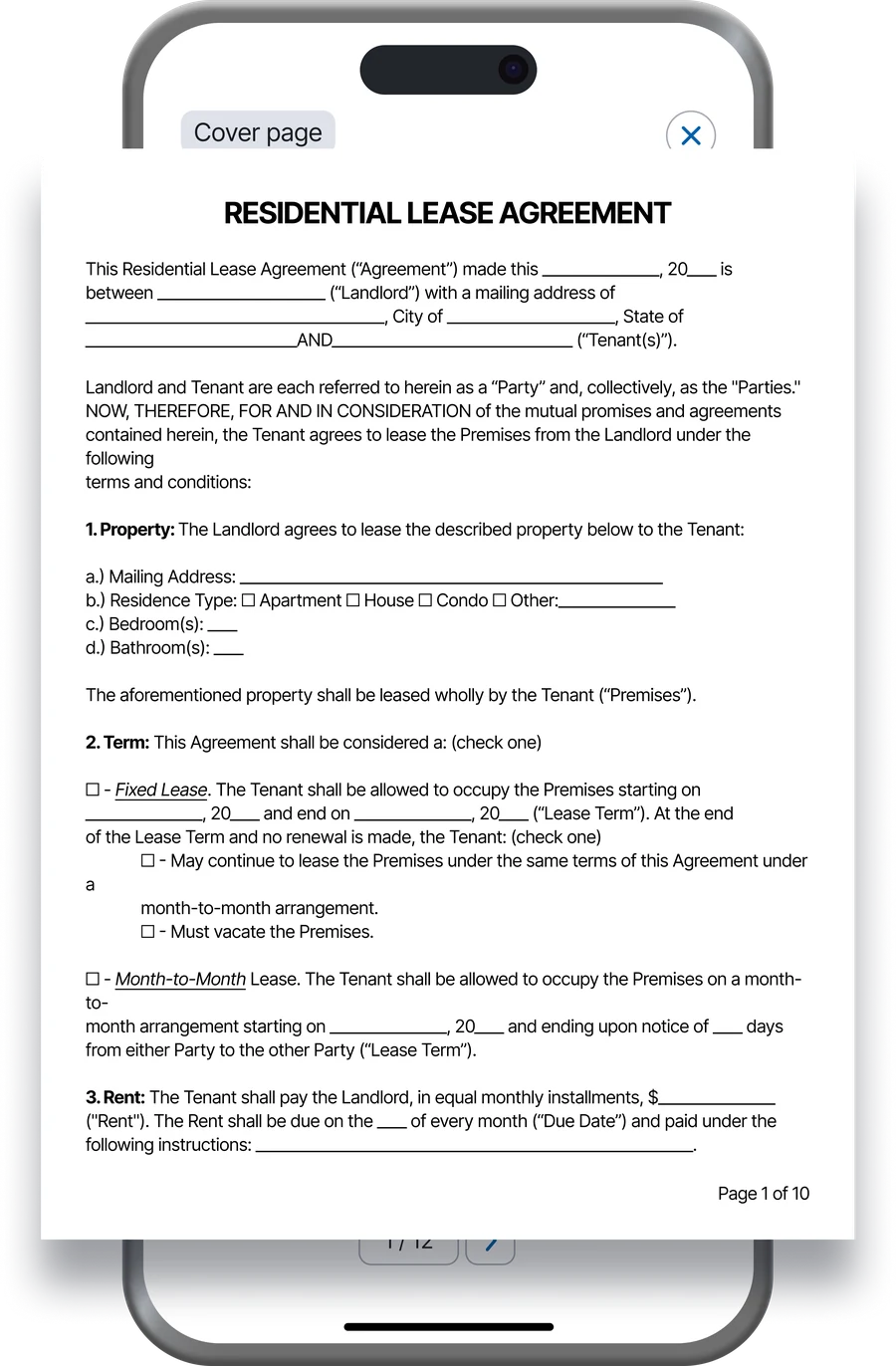
Get delivery confirmation for every fax
When a document is connected to a property transaction or closing, knowing whether it was sent successfully matters.
Faxer provides a delivery status for your faxes, so you can check the transmission after sending instead of being left unsure whether the document reached the recipient.
Your Faxer account also gives you access to your fax history, which makes it easier to review previous transmissions and their status when you are managing several documents or transactions.
For time-sensitive paperwork such as purchase agreements, mortgage documents or closing documents, this gives you a clearer record of what has already been sent.


Why choose Faxer for real estate?
A real estate fax service should fit into the way you already work rather than requiring additional office hardware.
No fax machine needed
Send documents online without buying, maintaining or finding access to a physical fax machine.
Send from web or mobile
Use your computer or phone depending on where the document is stored and where you are working.
Send multiple documents
Upload the files you need for a transaction without printing and feeding pages through a fax machine one by one.
Delivery confirmation
Check the delivery status after sending so you know whether the transmission was completed.
Fax history
Review previous faxes and their status from your Faxer account when you need to check what has already been sent.
Works with existing fax numbers
Send directly to the fax number supplied by the lender, title company or other recipient. They do not need a Faxer account to receive the fax through their existing fax system.
Receive real estate faxes too
Some real estate workflows require documents to move in both directions.
With Faxer, you can also get a fax number and receive incoming faxes in your account instead of relying on a physical machine.
Give the number to a lender, title company or other party and manage the faxes they send you online.

#1 Rated Faxing App for Real Estate Professionals
50K+ 5 star ratings on the App Store and Google Play.
 App Store
“I needed to send signed lease documents to a property management company and didn’t have access to a fax machine. I uploaded everything to Faxer and sent it from my phone in just a few minutes.”


“Our real estate office still receives requests to fax contracts and property documents. Faxer makes it easy to send everything straight from my laptop without having to use the office fax machine.”
“I had to fax documents to a lender for a home closing and was on a tight deadline. Faxer let me send the paperwork quickly and I got confirmation that it had been delivered.”
Frequently asked questions
A real estate fax service lets agents, buyers and other professionals send property and transaction documents to fax numbers without using a physical fax machine.
An online real estate fax service such as Faxer lets you upload a digital document, enter the recipient’s fax number and send it from your phone or computer.
Yes. If a lender, title company or other recipient provides a fax number, you can upload the requested document to Faxer and send it to that number online.
Common documents can include purchase agreements, disclosures, mortgage documents, contracts and closing documents.
You can also send other property or transaction documents when the recipient asks to receive them by fax.
Yes. Faxer is available on mobile, so you can upload a purchase agreement or another document from your phone and send it to a fax number without using a fax machine.
Yes. Upload the closing documents from your computer, enter the recipient’s fax number and send them through Faxer’s online fax workflow.
No. Faxer sends your documents online, so you do not need a physical fax machine or a dedicated fax phone line.
No. You send the document to the recipient’s existing fax number. They do not need a Faxer account to receive it.
Faxer provides a delivery status for each fax, allowing you to check whether the transmission was completed.
You can also review previous transmissions in your fax history.
Faxer supports uploading multiple documents, which is useful when a transaction requires several files such as agreements, disclosures and supporting paperwork.
Both can use Faxer. A buyer who has been asked to fax a signed document can use the same online workflow as an agent or other real estate professional: upload the file, enter the recipient’s fax number and send.


Ready to Send Your Real Estate Documents?
Upload your purchase agreement, disclosure, mortgage document, contract or closing paperwork and send it directly to the required fax number from your phone or computer.
No fax machine needed · Delivery confirmation · Web and mobile